Getting Started with the Visionaire Studio Editor
From The Official Visionaire Studio: Adventure Game Engine Wiki
A'llo & welcome to the breakdown summary of all things to do with the Visionaire Studio: Adventure Game Engine editor.
Main Menu & Home Tab
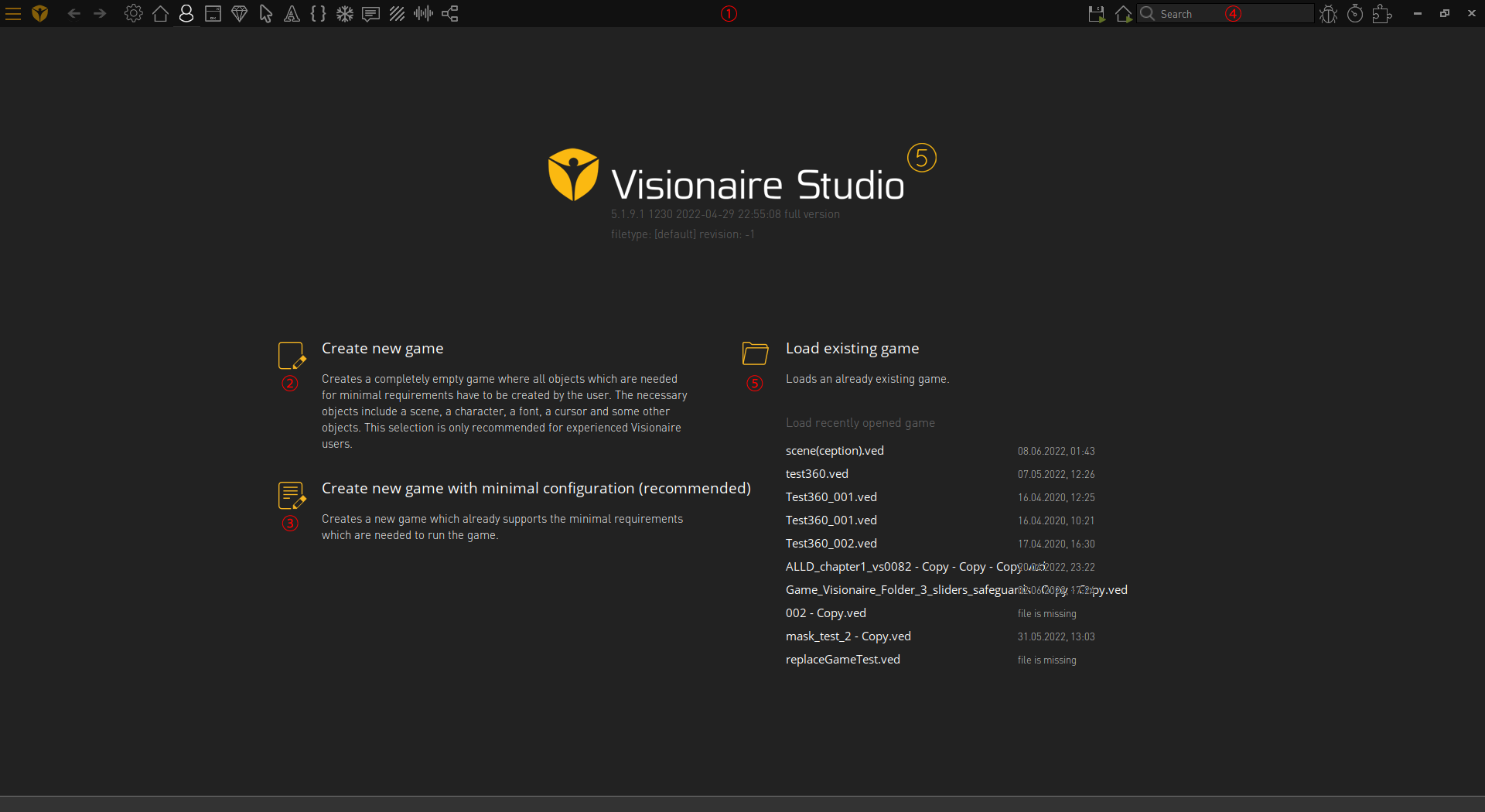 |
| Game: This is where you can setup the main game properties: mouse, key input, languages, provide information & version build number etc | |
| Loading Screen: You can create an incrementally loading splash screen here; to display on game start |  |
| Scenes & Menus: This is where you can create, build & design your scenes, menus, objects & actions to be performed etc |  |
| Characters: This is where you can create your characters, outfits & animations etc |  |
| Interfaces: This is where you can create your main game control interface & on screen interfaces; such as inventory etc |  |
| Items: This is where you create items that can be picked up, stored in your inventory, given to other characters or combined with other objects |  |
| Cursors: This is where you create & animate mouse cursors you will be using throughout your game |  |
| Fonts: This is where you include the various fonts that will be used throughout your game in dialogs, displayed text & displaying object/character labels on mouse over |  |
| Texts: This is where you will find all texts for the game: labels, names, scripts, dialog etc & you can edit them via this section; if you like |  |
| Particle System: This is where you can create particles; like snow, rain, fog, fire etc (advanced users) |  |
| Scripts: This is the Lua Script editor in which you can write or include (load) external library files such as lua or c languages (advanced users) |  |

